
Reference
Turn photos into clean line art, generate printable A4 pages from text, or build a custom coloring book with PDF export.
Start with a favorite photo or write a tiny story. Use the paper preview to find the line direction you like.
Describe a character, animal, or little scene and make a page children can color their own way.
Try itTurn a handful of little ideas into a coloring book of your own.
Try itUpload a portrait, pet, place, or object and choose the line style that fits your next project.
Try itCreate in your browser
Upload a portrait, pet, place, or object and choose the line style that fits your next project.
Image
No image selected
Source image
No image selected
Drop an image onto the canvas or choose one from your device
JPG, JPEG, PNG, or WebP · 10 MB maximum · or paste one here
Used only for this line-art creation
Before and after

A successful portrait keeps the expression present while letting hair, clothing, and face shape breathe.
Five line languages
Compare visual weight and detail, then choose a treatment that fits the job ahead.
Reference
Balanced
A clear reading with measured interior marks.
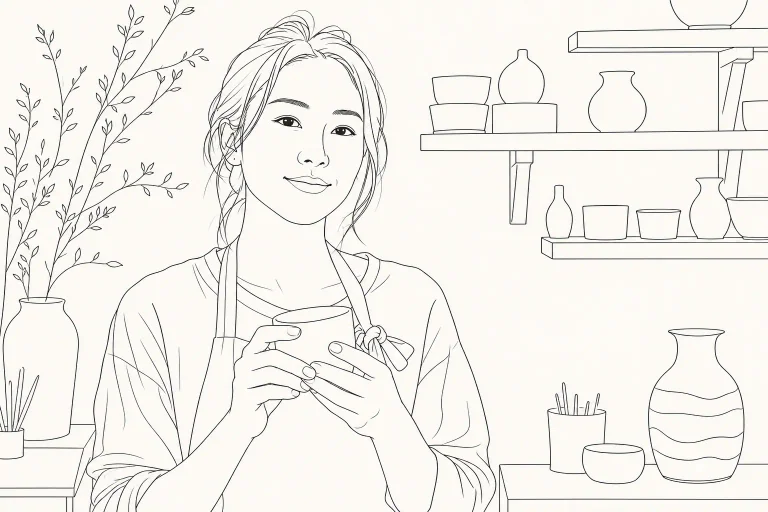
Contour
Essential marks that let the overall shape lead.
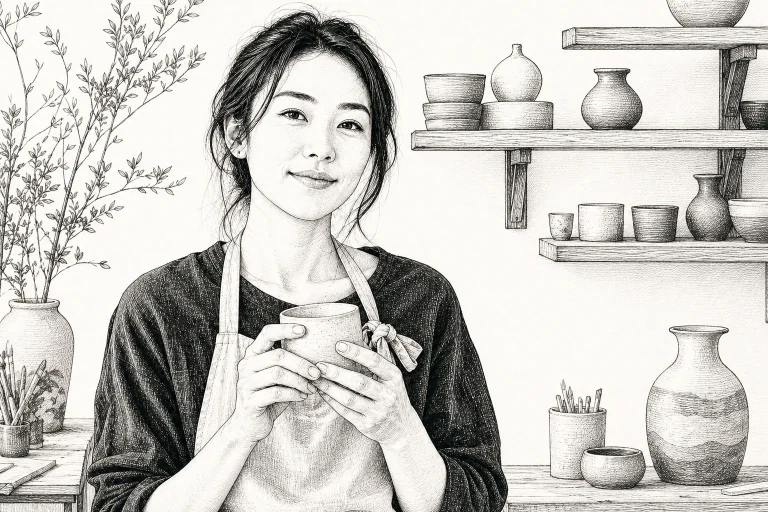
Texture
Additional information for face, hair, clothing, and setting.
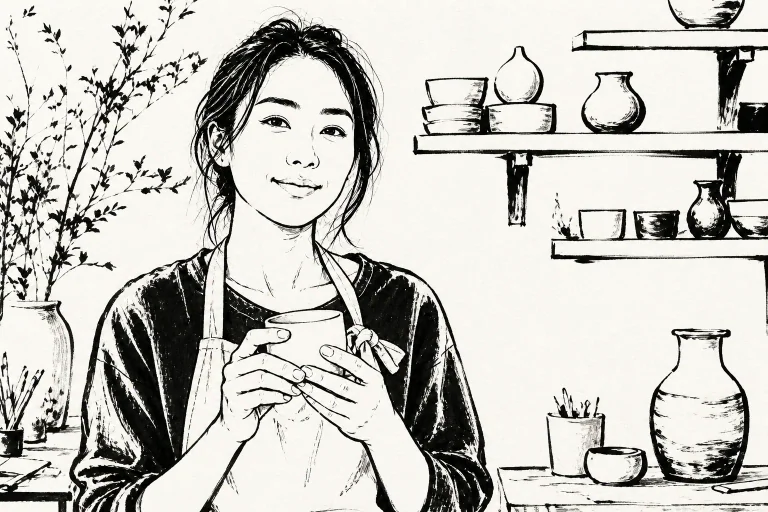
Ink
Decisive strokes with a stronger black-and-white presence.
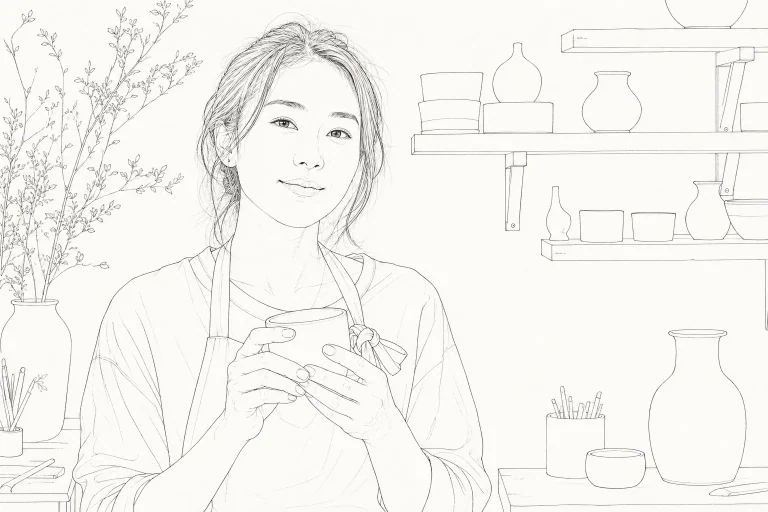
Fine
Light, precise marks that retain the image's rhythm.
A simple creative loop
The workspace keeps decisions visible and the process light, so your attention stays on the image, not on learning another editor.
Add a JPG, JPEG, PNG, or WebP up to 10 MB. Clear subjects and readable lighting give the engine more to work with.
Choose the amount of detail and stroke weight that suits the job, from a spare contour to a richer rendering.
Refine the canvas, output treatment, number of versions, or leave a concise creative instruction.
Check the generated artwork, keep the version that works, and take it into your next creative step.
Flexible subscriptions
Every subscription includes a monthly creation allowance, private results, high-quality output, and no visible watermark.
Built around useful marks
ColorPicnic provides a dependable handoff: a focused outline, print-friendly base, or a quick route from source photo to clear visual reference.
Meaningful edges, considered spacing, and visual hierarchy take priority over incidental noise.
Start with an image and direction immediately while deeper controls remain nearby.
Build printable studies, product references, craft templates, architecture, characters, or pet portraits.
The goal is practical artwork, not a novelty filter. Each choice gives you a legible starting point for printing, tracing, layout, craft, or further development.
Notes from the creative table
From family coloring time and classroom materials to illustration studies and print products, each creator can keep working from a clear set of lines.
These are representative use-case comments. Verified customer reviews and approved portraits will be added as they are collected.
Start with what you have
Bring in an image, set a direction, then export linework ready for references, layouts, tracing, and design exploration.


