ColorPicnic
Back to coloring corner
Create in your browser
Photo to coloring page and line art converter
Turn portraits, pets, products, buildings, and landscapes into printable line art. Choose from five line styles, then download an image or A4 PDF.
ImageLine languageCreate
01
Image
No image selected
- Image
- Line language
- Create
Source image
No image selected
Drop in an image
Drop an image onto the canvas or choose one from your device
JPG, JPEG, PNG, or WebP · 10 MB maximum · or paste one here
Used only for this line-art creation
ColorPicnic guide
Convert a photo to a coloring book page or clean line art
Use one clear photo to make recognizable black-and-white linework for printing, crafts, classroom activities, or source pages for a photo-based coloring book. Portraits, pets, buildings, products, and landscapes each keep the details that make the subject identifiable.
Keep the subject recognizable
The conversion follows meaningful edges and shapes instead of simply removing color from the photo.
Choose the right line weight
Simple outlines suit younger colorists, while detailed or thin lines preserve more texture for older children and adults.
Prepare a printable page
Download the generated image at its original dimensions or place it on an A4 PDF for straightforward home printing.
Photo-to-line-art examples
A useful result depends on the subject and the amount of detail in the source. These examples show how people, pets, and outdoor scenes respond to the same workflow.
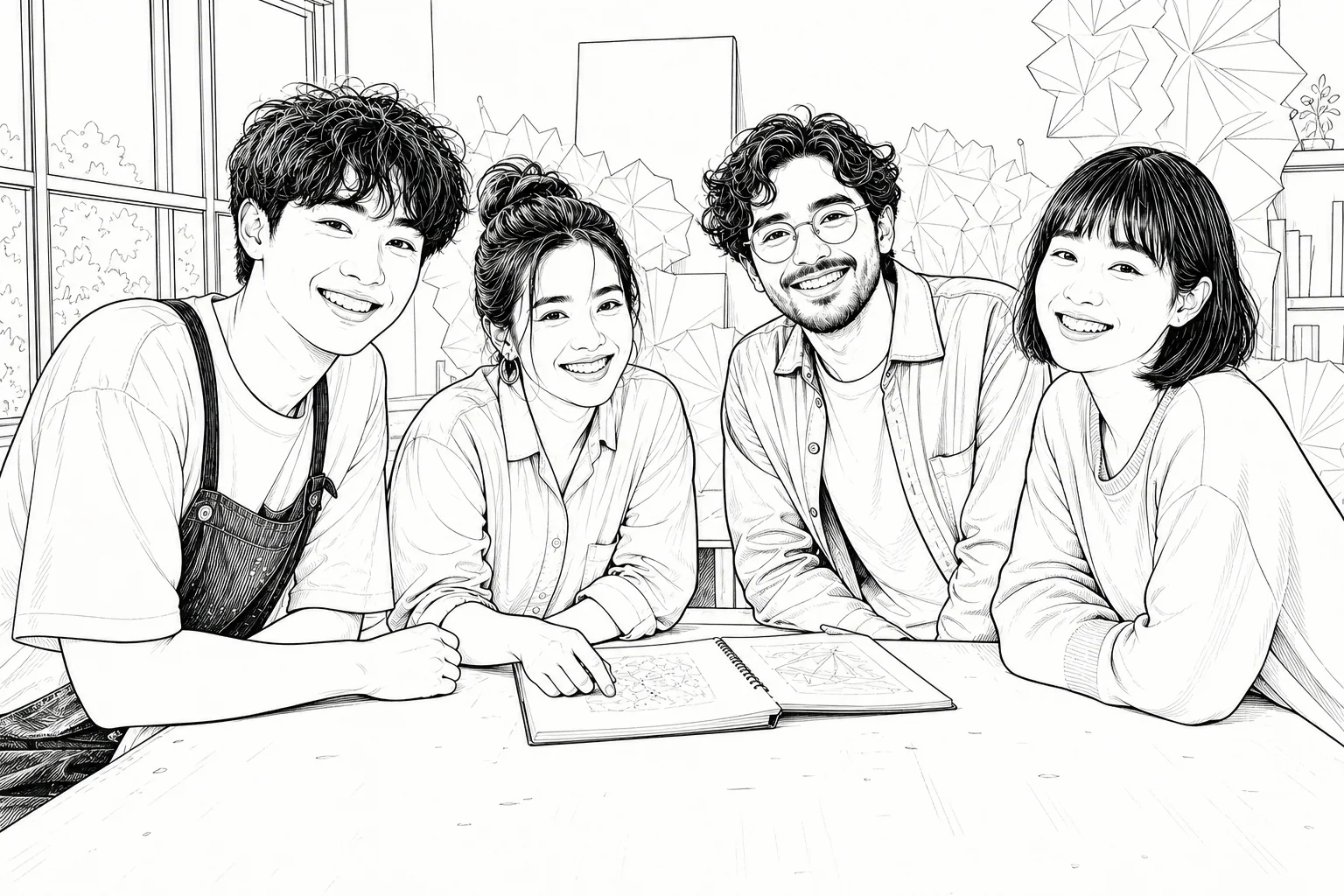
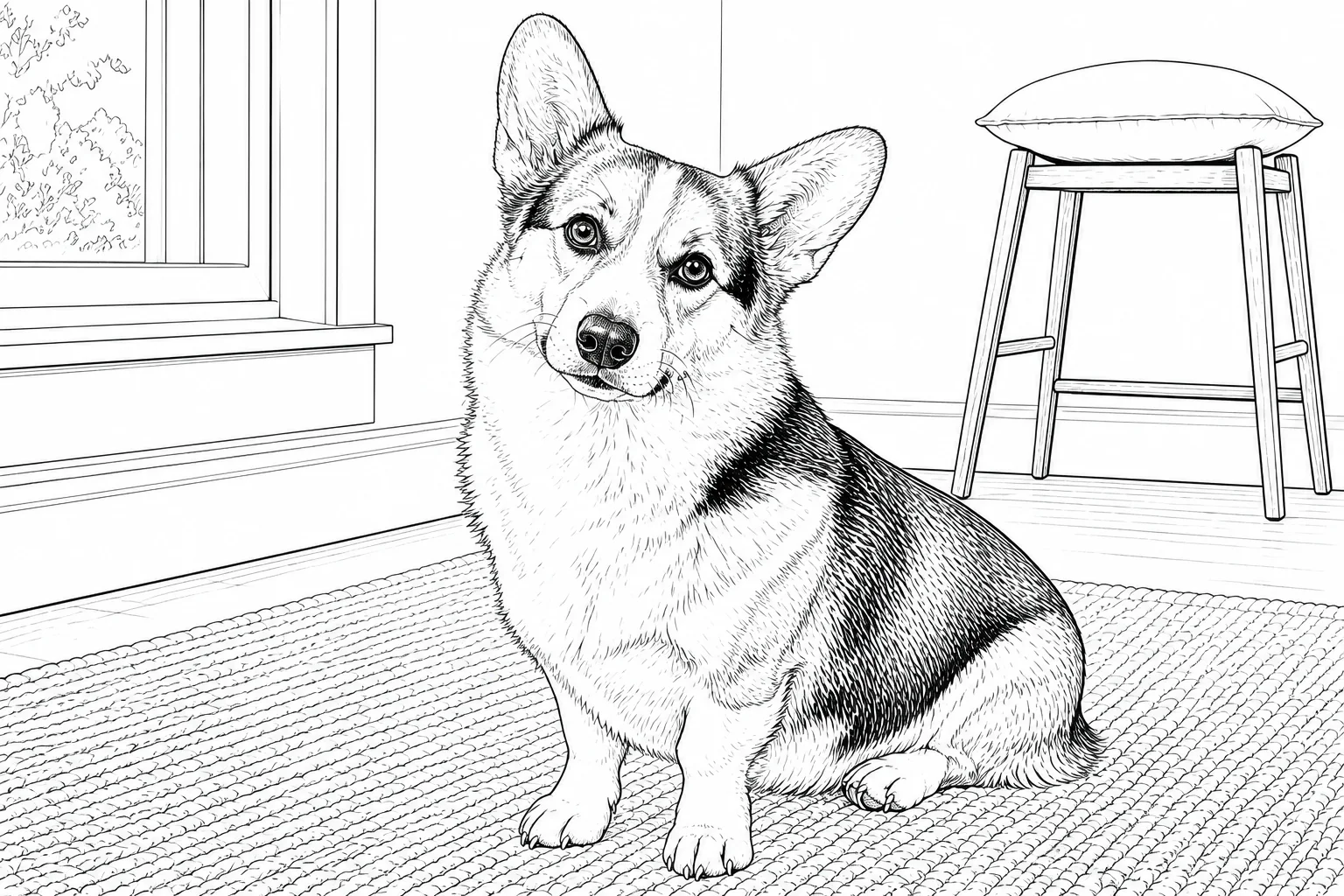
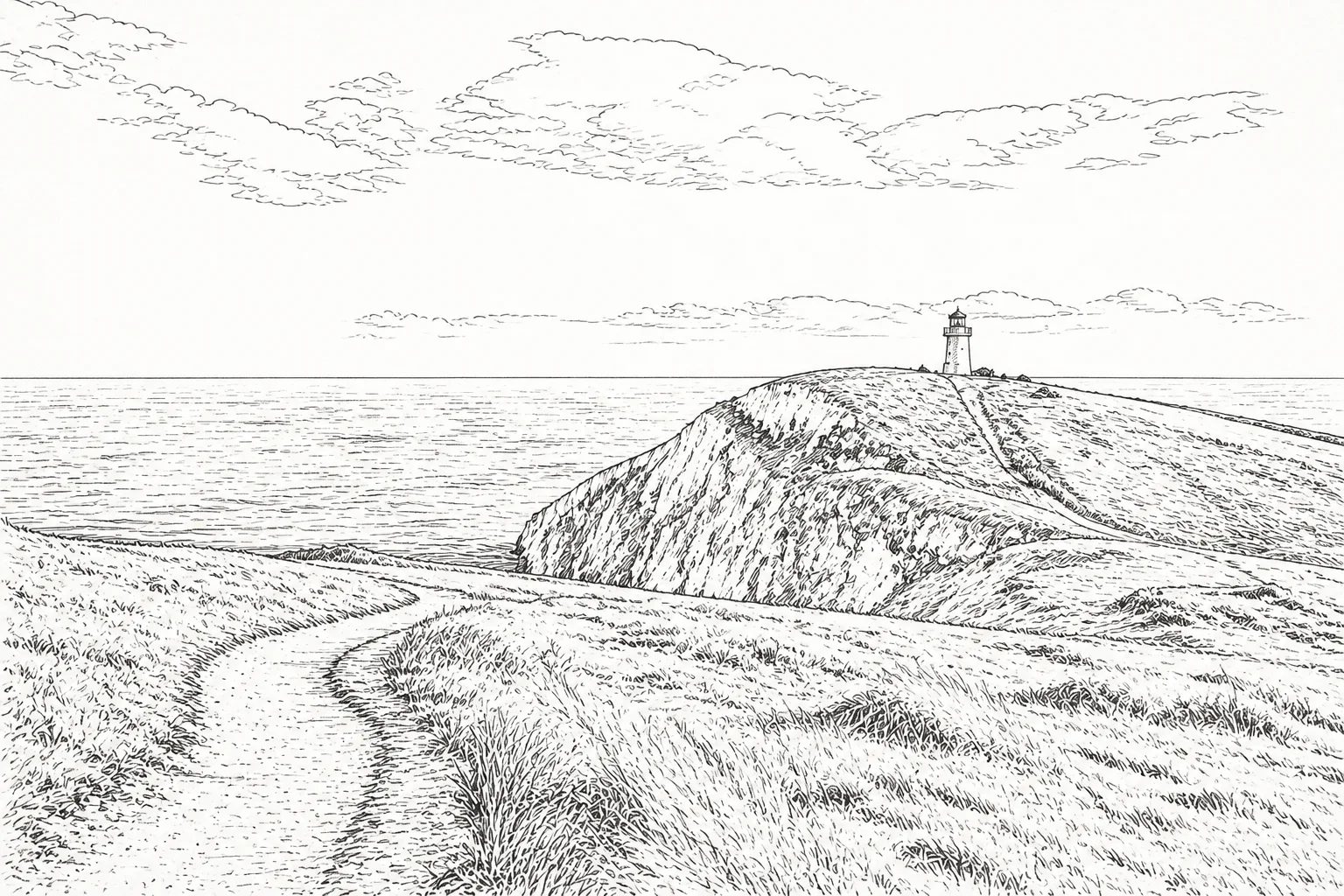
Good source photos for a coloring page
- A pet facing the camera
- A family portrait with clear faces
- A product on a simple background
- A building with visible edges
- A landscape with a distinct foreground
For sharper printed lines
Start with a well-lit image, avoid heavy blur, and choose a line style that matches the paper size. Large shapes and stronger outlines are easier for young children; finer linework works better when printed at full A4 size.
Questions about this workflow
How do I convert a photo to a coloring book page?
Upload a JPEG, PNG, or WebP image, select a line style, generate the linework, and download the result as an image or A4 PDF. A clear subject with visible edges usually produces the cleanest page.
Is image-to-line-art conversion the same as grayscale?
No. Grayscale keeps shades from the original photo. A line-art conversion rebuilds the important forms as black lines on a light background so the result can be colored.
Can I make a custom coloring book from photos?
You can convert each photo into an individual coloring page and download the finished images. ColorPicnic does not currently import those pages into the book builder, so arrange the exported pages with your preferred document or PDF layout tool.
Which photos make the best coloring pages?
Choose photos with one clear subject, good contrast, visible edges, and limited motion blur. Busy backgrounds may need a simpler line style or subject-isolation setting.