ColorPicnic
Back to coloring corner
Coloring book studio
Each generated page uses 1 credit; failed pages are refundedAI coloring book generator for custom printable books
Create a multi-page coloring book with consistent characters, a connected story, age-based detail, print formats, a cover, and a downloadable PDF.
1
Story and cast
Give the book a consistent character and a clear story direction.
Character continuity
0/378
How should the story be planned?
Include the main character, the goal, and two or three moments you want to see.
0/1200Story feeling
2
Pages and drawing style
Choose how much content the book contains and how complex each page feels.
Number of coloring pages
Difficulty level
Line style
Print size
3
Cover and print details
Name the book and choose the details that should appear in the printable preview.
Cover color
Ready-to-preview check
3 items left10 pages · Portrait
Children · Clean contours
Add a name for the main character.
Describe the story idea or outline.
Add a title for the cover.
Stored only in this browser
Estimated cost: 10 credits
ColorPicnic guide
Design a custom coloring book with connected pages
Plan a theme, recurring character, audience, page format, cover, and story direction before generating pages. A clear plan helps the book feel like one project instead of a stack of unrelated coloring sheets.
Define the book before the pages
A theme, audience, line style, and recurring subject give every generated page the same creative direction.
Generate and review page by page
Keep completed pages as the book grows, so one weak or failed page does not erase the useful work already created.
Export one printable PDF
Combine finished pages into a single document after checking orientation, margins, page order, and cover details.
A consistent visual direction
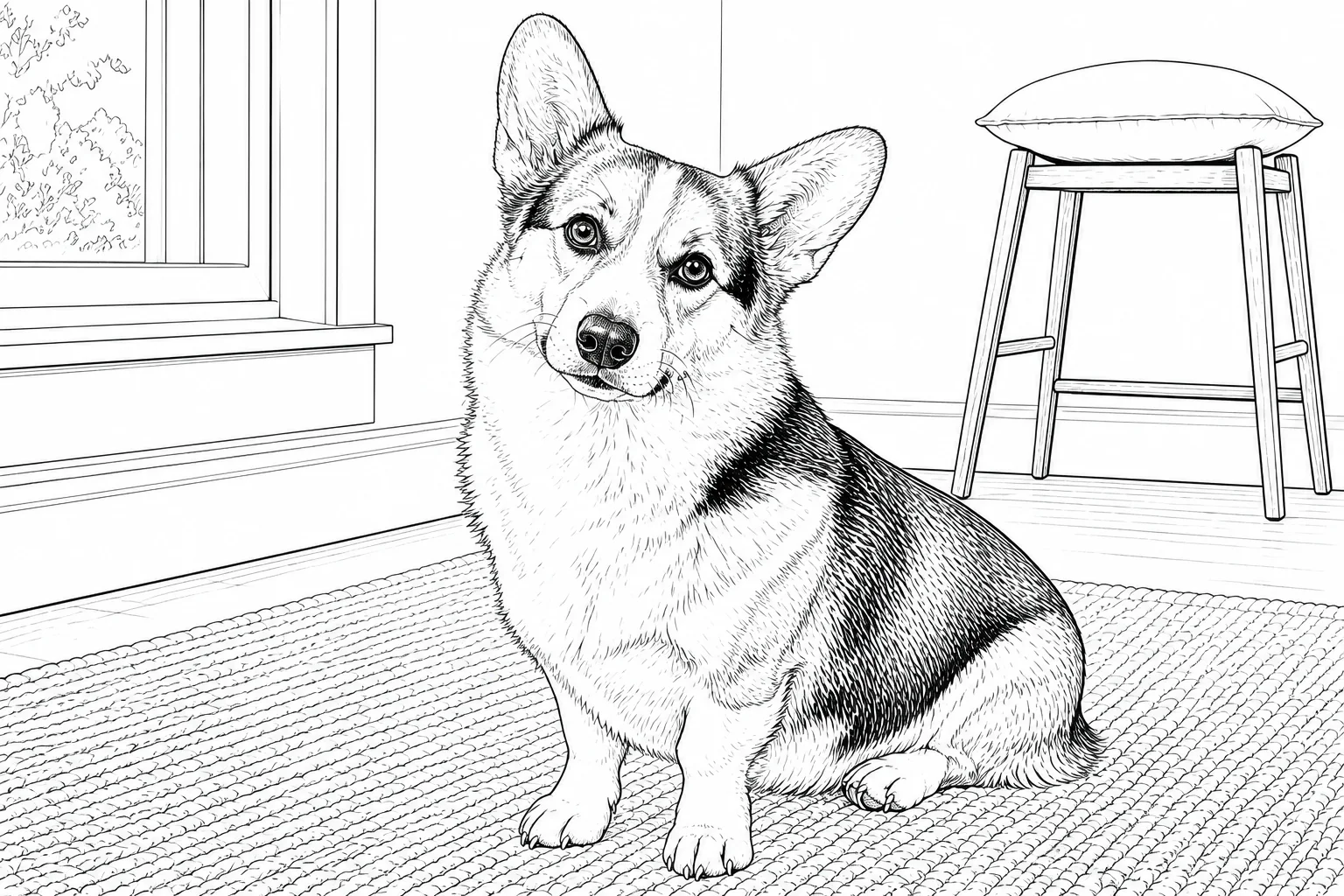
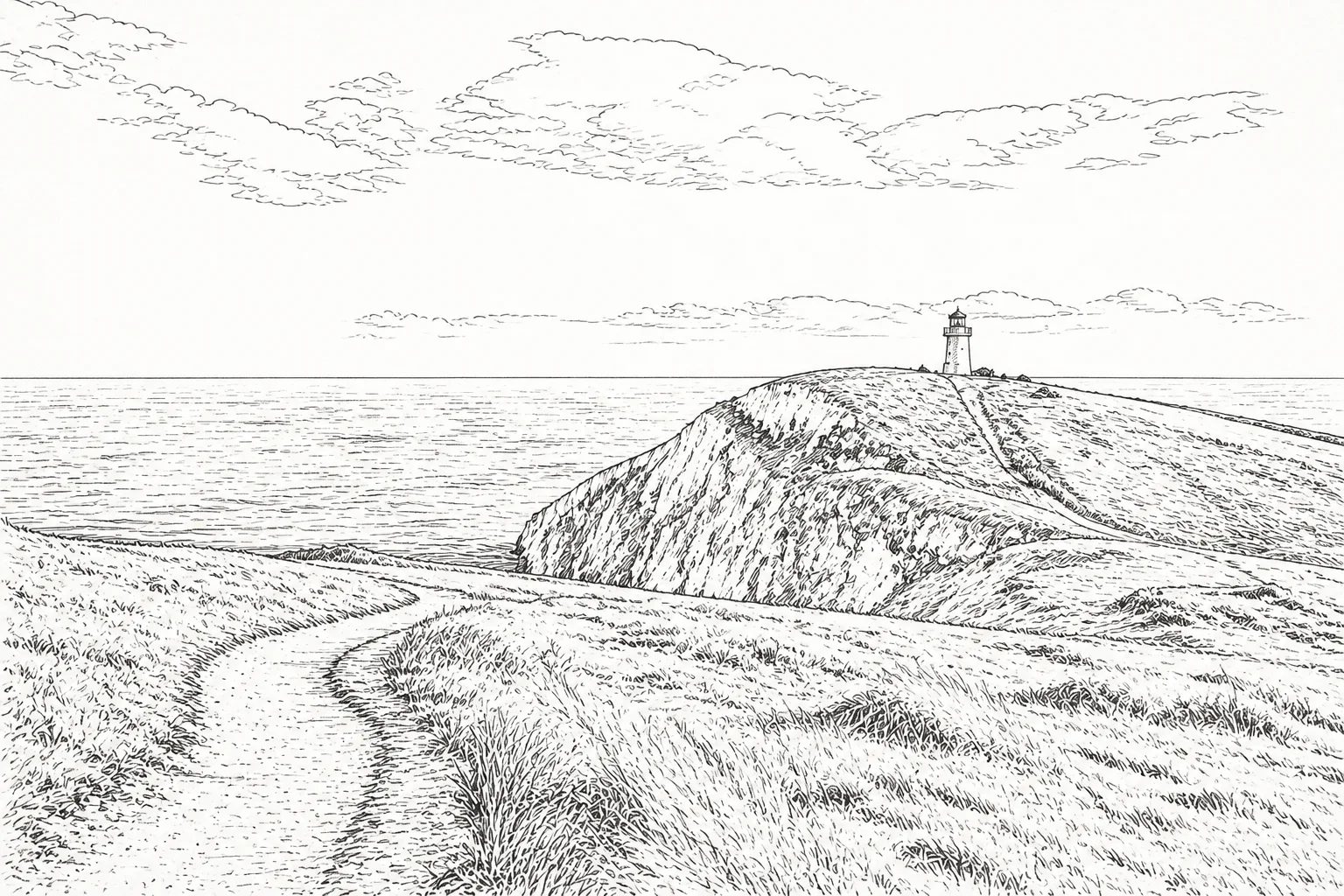
A coloring book can change locations and actions while keeping a familiar line weight and level of detail from page to page.

Coloring book projects to plan
- A child’s original adventure story
- A pet’s day in different places
- A classroom unit with one visual theme
- A calm nature collection
- A birthday activity book
Check the book as a physical object
Choose one orientation, allow enough inner margin for binding, keep important lines away from the trim edge, and print a test page before producing the complete book. Consistent paper and line weight make the final PDF easier to color.
Questions about this workflow
How do I create my own coloring book?
Choose a theme and audience, define a recurring subject, select the page count and format, generate each page, review the sequence, and export the completed pages as one PDF.
How do I keep characters consistent across pages?
Describe the same identifying features in the book plan and keep the audience, line style, and story direction unchanged. Review each page before continuing.
Can I design a coloring book for printing?
Yes. Use one page orientation, include print margins, keep linework clear, and export the completed pages as a combined PDF after a test print.
Can I import converted photo pages into the book builder?
Not currently. The photo tool can export individual line-art pages, but the book builder does not yet import those finished images. Use the book builder for generated story pages and arrange exported photo pages separately.