Turn a family or pet photo into kid-friendly line art, describe a brand-new printable scene, or shape a complete coloring book. Pick a door and start making together.
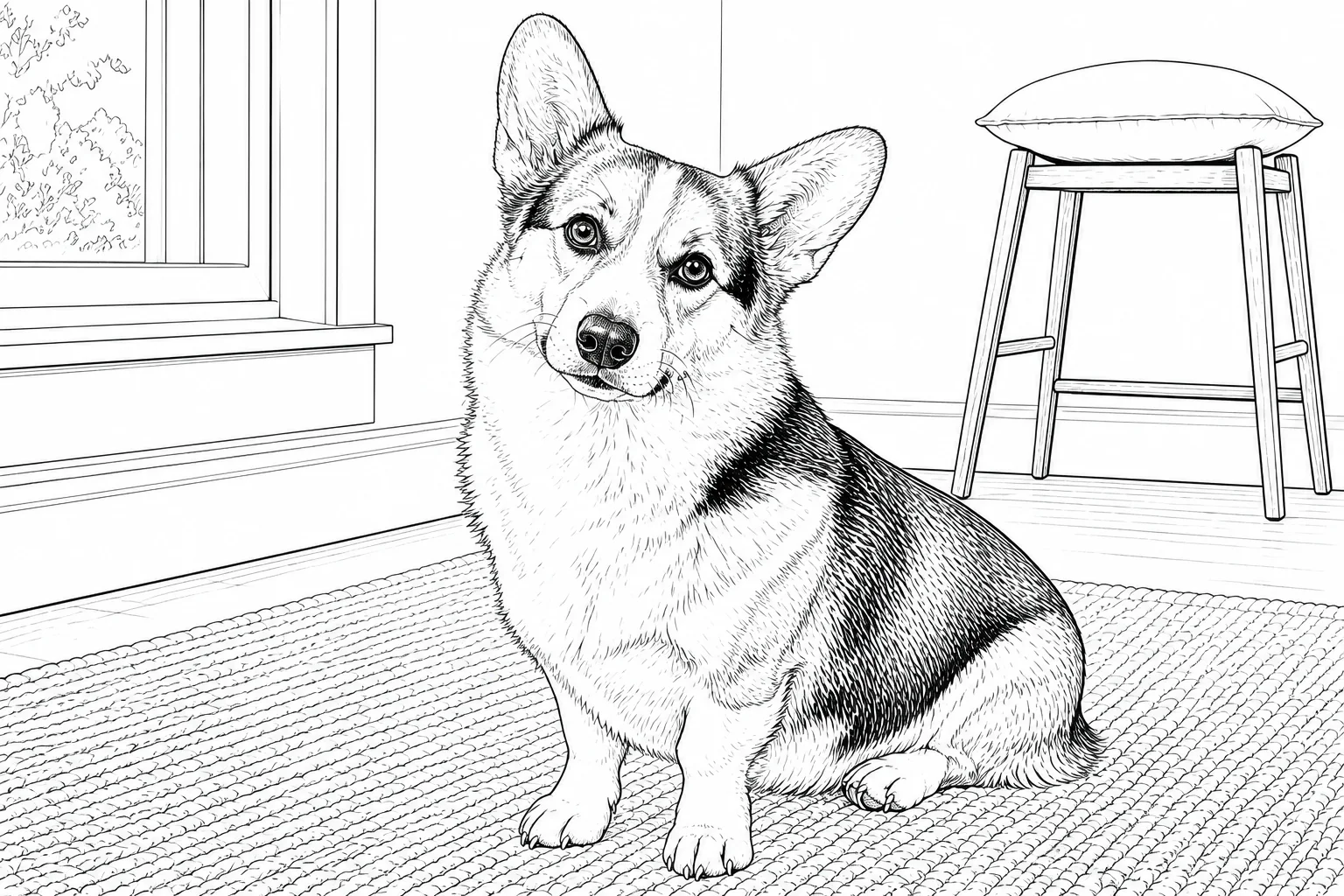
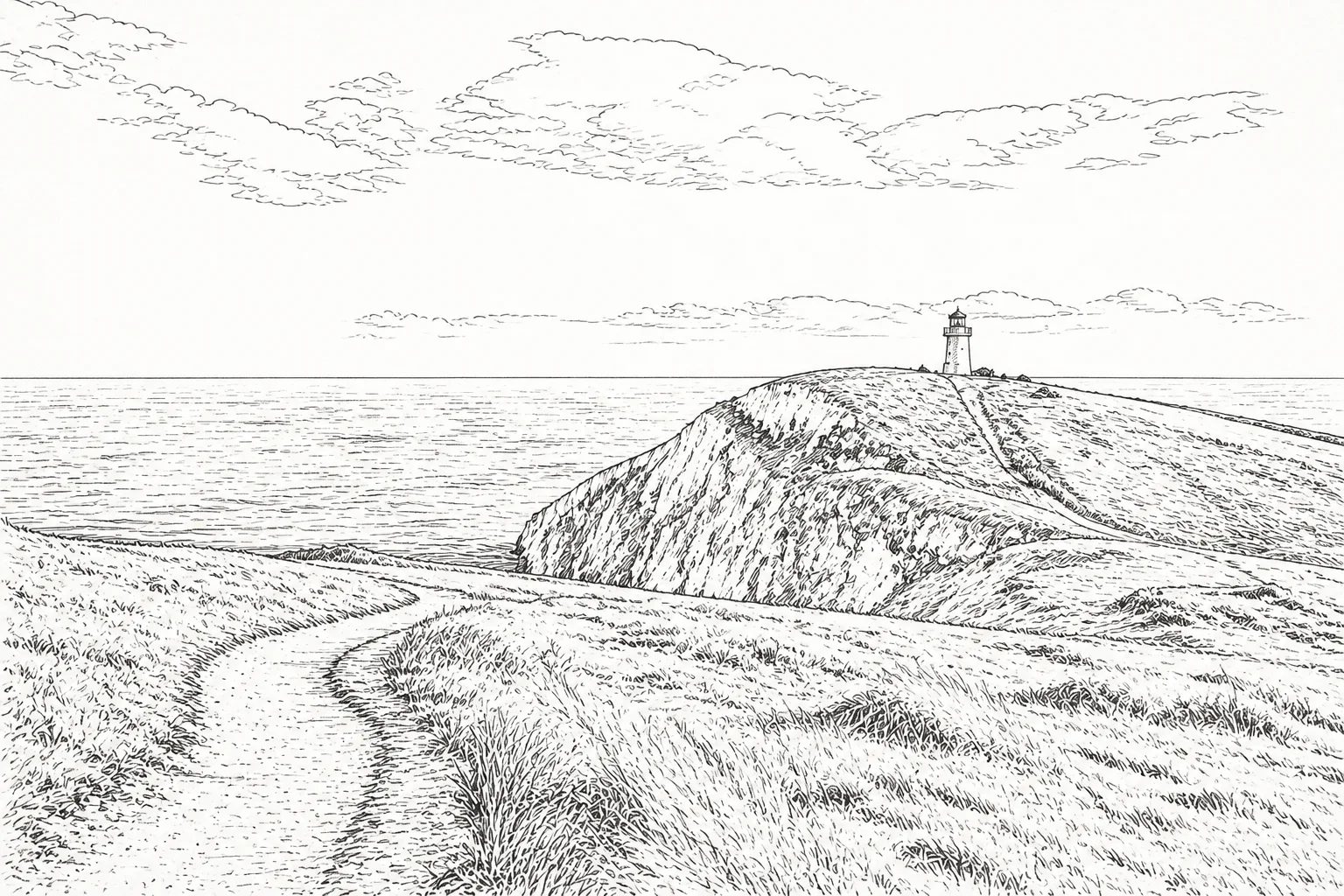
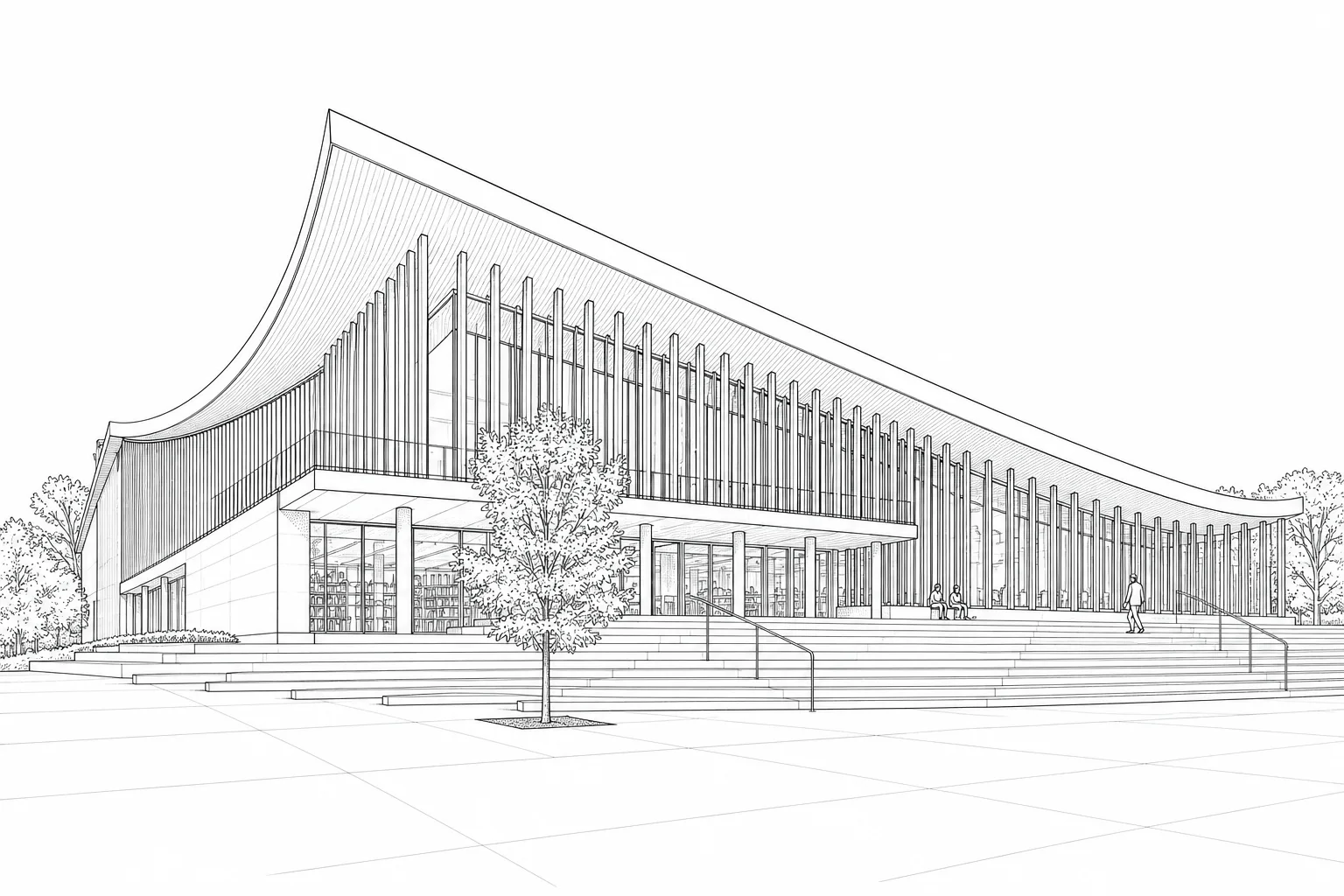
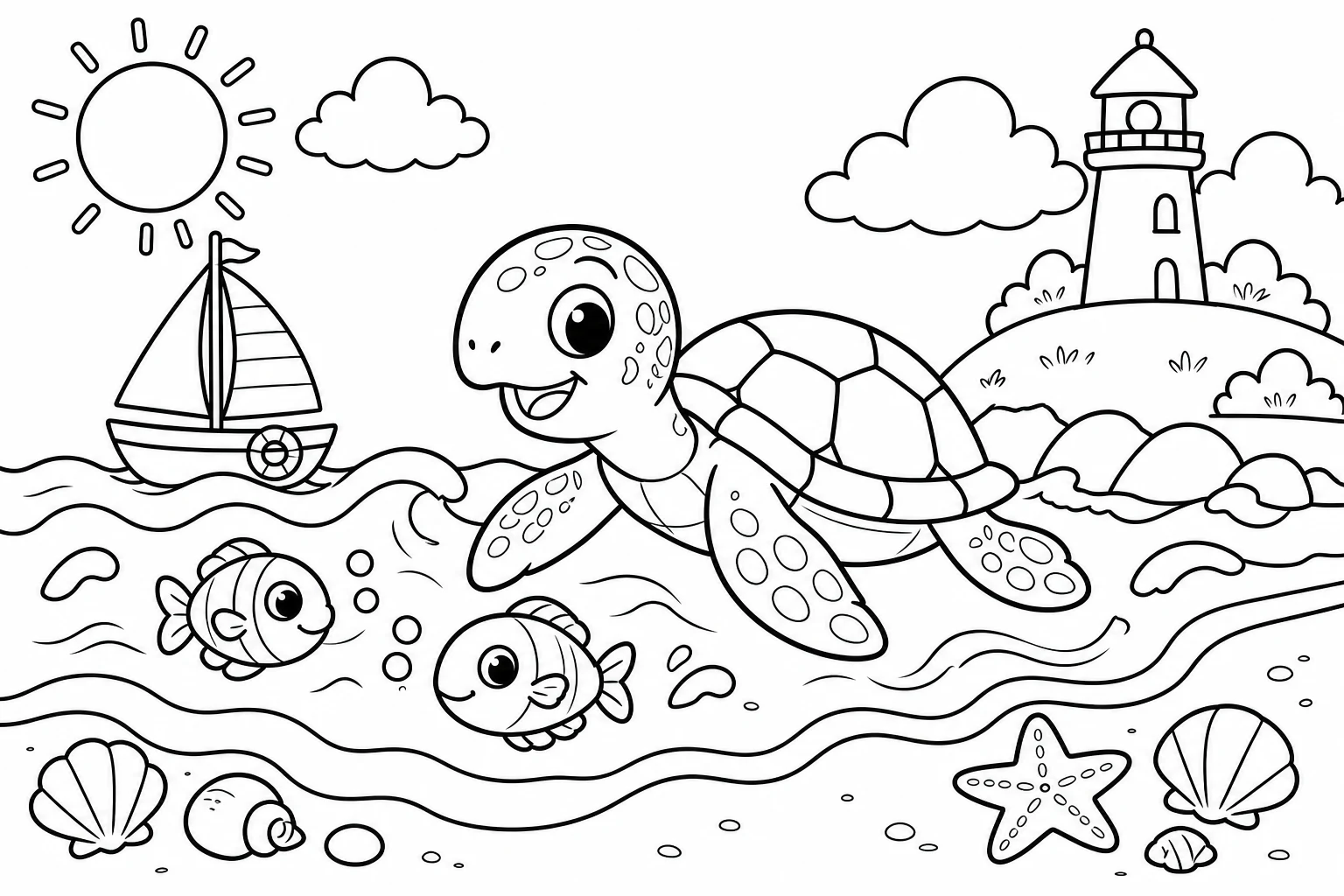
Different subjects need different amounts of detail. Compare portraits, pets, architecture and landscapes before choosing a workflow.
PortraitPetArchitectureLandscape
A clear route from source to printable page
The tools share the same goal while keeping the decisions for each kind of project focused.
1
Choose your starting point
Use a photo for a familiar subject, text for a new scene, or the book planner for a multi-page idea.
2
Shape the linework
Set style, detail, age, page format or story choices based on the workflow you selected.
3
Generate, review and export
Preview the result, keep the useful pages and download images or print-friendly PDFs where available.
Made for projects that continue off-screen
Family coloring activities
Classroom worksheets
Homeschool projects
Illustration planning
Party activity sheets
Printable book prototypes
Popular kids coloring page ideas
Start with a subject children already love, then choose photo, text, or book mode based on how personal and how big the activity should be.
01
Pet photo to coloring page
Turn a clear dog, cat, or family pet photo into recognizable line art for a personal coloring activity.
02
Family photo coloring sheet
Make a familiar portrait into a printable keepsake for birthdays, holidays, or a quiet afternoon together.
03
A4 classroom coloring worksheet
Describe animals, seasons, transport, or simple learning themes and export a page that is easy to print.
04
Birthday party activity page
Create a themed coloring sheet that matches dinosaurs, space, princesses, vehicles, or the party child's interests.
05
Preschool simple-line coloring page
Choose a younger age and lower detail level for large, clear shapes that are easier for small hands.
06
Custom kids coloring book PDF
Plan a recurring character and one theme, generate the pages in sequence, then combine completed pages into one PDF.
Before you make your first coloring page
Is photo to coloring page the same as removing color?+
No. ColorPicnic interprets the important shapes as line art instead of simply turning a photo grayscale. The result is a clean drawing that can serve as a coloring base.
Which photo formats can I upload?+
The photo workflow accepts JPEG, PNG and WebP files up to 10 MB. A clear subject and visible edges usually produce the most useful linework.
Can I create a coloring page from text only?+
Yes. Describe a scene with at least three characters, then choose the intended age range and detail level before generating an A4 portrait page.
How is a coloring book generated?+
You plan the theme, character, page count, line style and format first. Pages are then generated one at a time, so completed pages remain available if a later page fails.
Can I download a PDF?+
The text workflow supports an A4 PDF, and the book workflow can combine its completed pages into one PDF.
Do I need an account and credits?+
Yes. Generation requires an account. Each generated page uses one credit; local planning and previews do not create a finished image until you start generation.
What do you want to color next?
Begin with a photo now, or choose text and book tools when your idea needs more room.