ColorPicnic
Back to coloring corner
Text mode
AI text to coloring page generator
Turn a text prompt into a clean black-and-white coloring page. Choose the age and detail level, then download an image or printable A4 PDF.
Paper preview
Try one little stroke
Describe a scene and generate it to preview the coloring page here.
ColorPicnic guide
Create a printable coloring page from a text idea
Describe an original animal, place, learning activity, or imaginary scene and turn the idea into black-and-white line art. Age and detail controls help the same prompt become a simple preschool page or a richer coloring sheet for older children and adults.
Start with an original scene
Combine a subject, an action, and a setting so the result has a clear focal point rather than a generic collection of objects.
Match detail to the colorist
Use broad shapes and fewer objects for toddlers, balanced detail for children, and denser linework for experienced colorists.
Keep the page print friendly
The workflow produces a black-and-white A4 portrait page and supports both image and PDF downloads.
Ideas that work well as text prompts
The strongest prompts describe one readable scene. These examples show the type of clear subject and composition that can become a useful printable page.
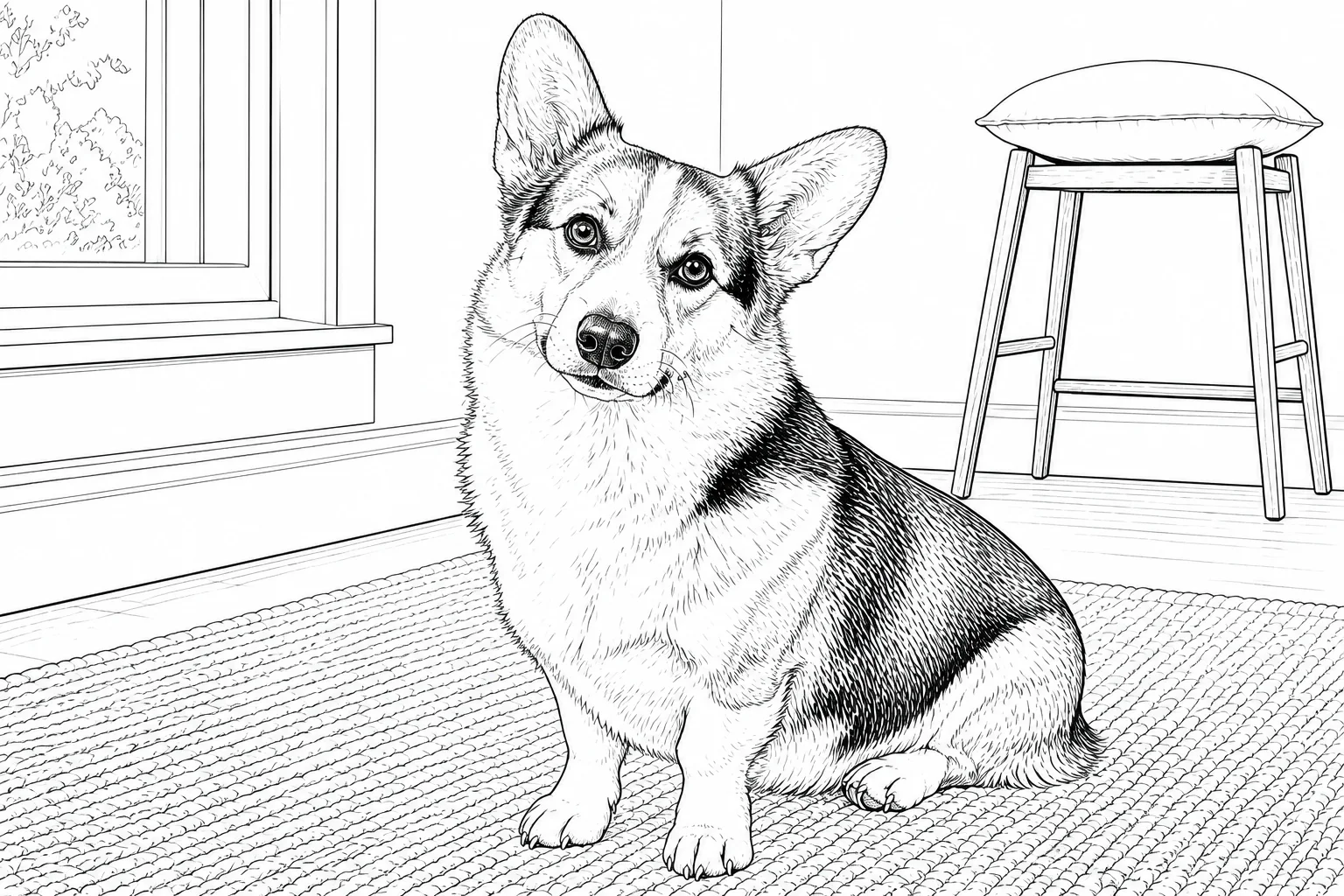
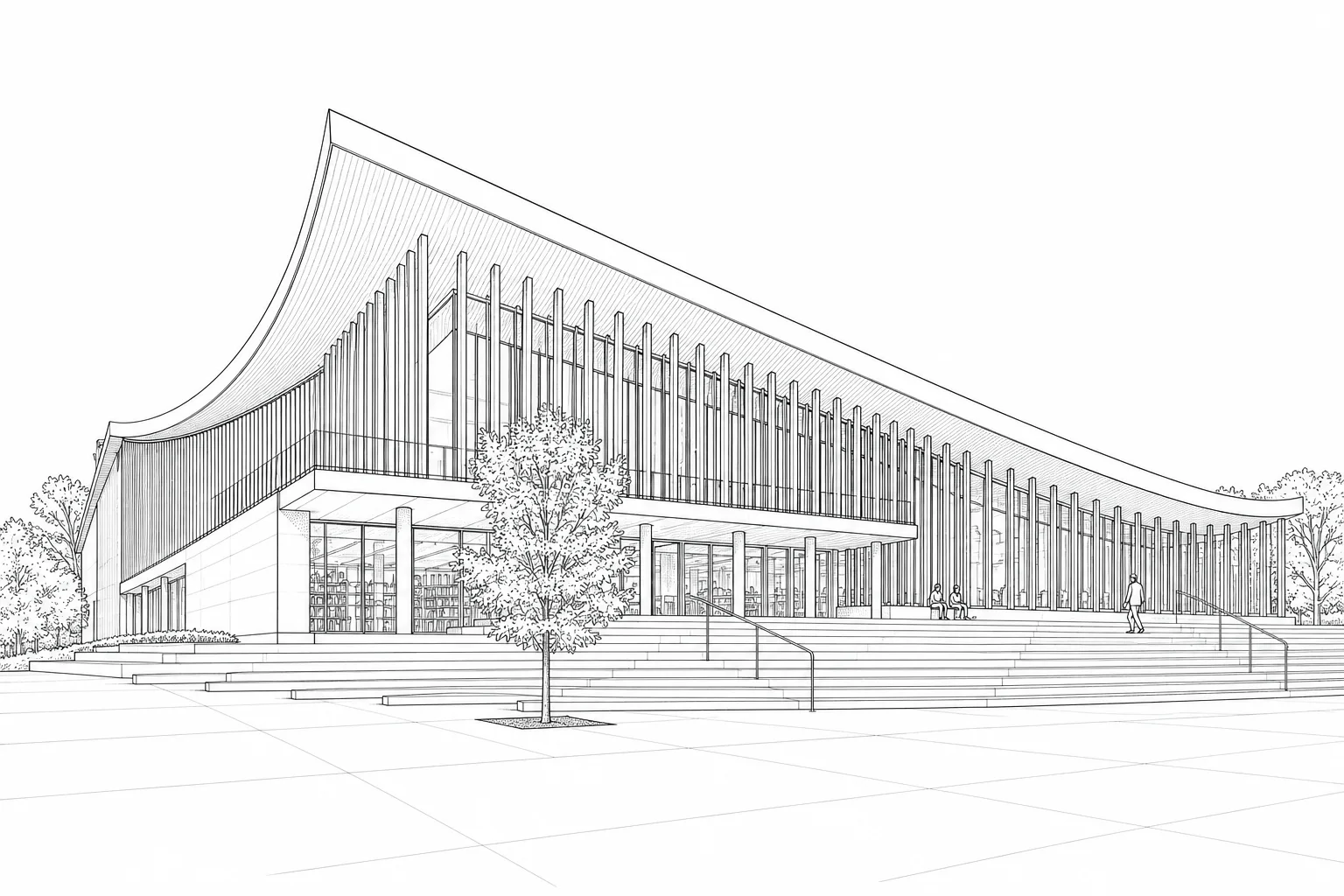
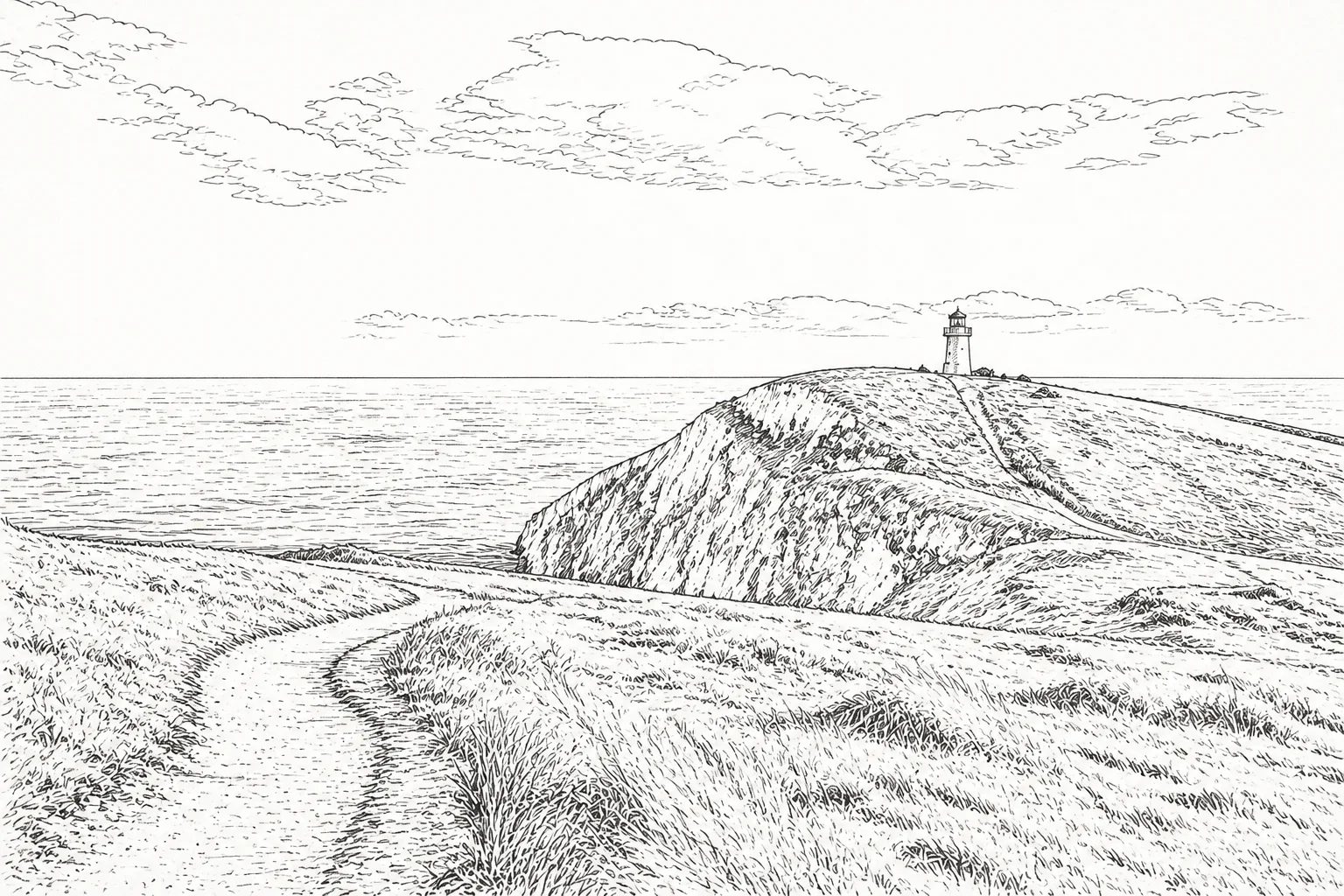
Original coloring page themes
- Animals doing everyday activities
- Ocean and nature scenes
- Simple counting or alphabet pictures
- Seasonal scenes without branded characters
- Calm geometric or botanical pages
Write for the page you plan to print
Mention a single focal subject, the surrounding setting, and the intended age. Ask for large open shapes when using crayons, or finer decorative areas when using colored pencils and a full-size A4 sheet.
Questions about this workflow
What should I include in a text-to-coloring-page prompt?
Name the main subject, what it is doing, the setting, and any important objects. Keep the scene original and avoid requesting copyrighted characters or logos.
Can I make coloring pages for different ages?
Yes. Lower detail creates larger, clearer areas for younger children, while higher detail adds more objects, textures, and smaller spaces for older colorists.
Can I download a printable PDF?
Yes. The generated page can be downloaded as an image or placed on an A4 PDF for printing.
Does the generator copy existing coloring pages?
The text workflow is intended for new scenes described by you. Use original ideas and avoid asking for commercial characters, artists’ styles, or protected brand elements.